Fixing Expired TRN & Missing Aadhaar Authentication Link in REG-01
Field-tested GST compliance playbook covering Fixing Expired TRN & Missing Aadhaar Authentication Link in REG-01 (Saved Applications → My Saved Applications → Resend Aadhaar Link / Fresh TRN) so new GST registration applicants whose TRN expired mid-draft or who never received the Aadhaar e-KYC authentication SMS/email link resolve locating the "Resend Verification Link" option inside Services → Registration → New Registration → TRN → Saved Applications (checking spam folders and exact Aadhaar-linked email), or generating a clean new TRN after 15-day expiry without losing PAN eligibility without notices.

Key Statutory Details & Highlights
- Statutory Provision: Rule 8(4A) & Rule 9 CGST Rules (15-Day TRN & Authentication Window)
- Primary Form / Mechanism: Saved Applications → My Saved Applications → Resend Aadhaar Link / Fresh TRN
- Deadline / Statutory Window: 15 Days From TRN Generation (Aadhaar Link Valid Within 15 Days From Part-B Submission)
- Applicable Taxpayers: new GST registration applicants whose TRN expired mid-draft or who never received the Aadhaar e-KYC authentication SMS/email link
- Confirm applicability of Rule 8(4A) & Rule 9 CGST Rules (15-Day TRN & Authentication Window) to your taxpayer profile before initiating portal action.
- Prepare and cross-check reconciled books and documentary proofs ahead of 15 Days From TRN Generation (Aadhaar Link Valid Within 15 Days From Part-B Submission).
- Validate every schedule, tax-head split, and attachment on gst.gov.in prior to signing via EVC or Class-3 DSC.
- Verify preventive controls against leaving Aadhaar authentication uncompleted for 15 full days—automatically cancelling the ARN and forcing physical GSK biometric verification on the next try and archive the signed ARN acknowledgement for 72 months under Section 36.
Visual Compliance Workflow & Documentation Reference


Detailed Statutory Guide
- • Governing CGST/IGST Rules for Fixing Expired TRN & Missing Aadhaar Authentication Link in REG-01
- • Table-Level & Procedural Compliance Steps
- • Maintaining Audit-Proof Working Papers
- • Avoiding Penalties & Automated Portal Blocks
Field-tested GST compliance playbook covering Fixing Expired TRN & Missing Aadhaar Authentication Link in REG-01 (Saved Applications → My Saved Applications → Resend Aadhaar Link / Fresh TRN) so new GST registration applicants whose TRN expired mid-draft or who never received the Aadhaar e-KYC authentication SMS/email link resolve locating the "Resend Verification Link" option inside Services → Registration → New Registration → TRN → Saved Applications (checking spam folders and exact Aadhaar-linked email), or generating a clean new TRN after 15-day expiry without losing PAN eligibility without notices.
Taxpayers classified as new GST registration applicants whose TRN expired mid-draft or who never received the Aadhaar e-KYC authentication SMS/email link frequently face working-capital friction or officer queries around Fixing Expired TRN & Missing Aadhaar Authentication Link in REG-01. Anchored in Rule 8(4A) & Rule 9 CGST Rules (15-Day TRN & Authentication Window), clean execution depends on documenting locating the "Resend Verification Link" option inside Services → Registration → New Registration → TRN → Saved Applications (checking spam folders and exact Aadhaar-linked email), or generating a clean new TRN after 15-day expiry without losing PAN eligibility strictly within 15 Days From TRN Generation (Aadhaar Link Valid Within 15 Days From Part-B Submission).
Whether your business operates from a single state GSTIN or across multiple Distinct Person branches, documenting the legal basis under Rule 8(4A) & Rule 9 CGST Rules (15-Day TRN & Authentication Window) for new GST registration applicants whose TRN expired mid-draft or who never received the Aadhaar e-KYC authentication SMS/email link inside your monthly compliance file makes Section 61 scrutiny and Section 65 audits routine rather than disruptive.
Before signing the submission for new GST registration applicants whose TRN expired mid-draft or who never received the Aadhaar e-KYC authentication SMS/email link, run a pre-filing reconciliation across all tax heads (IGST, CGST, SGST/UTGST, and Cess). Confirm that zero negative balances, unmapped HSNs, or wrong-period dates remain in the JSON or online preview prior to 15 Days From TRN Generation (Aadhaar Link Valid Within 15 Days From Part-B Submission).
Aligning general-ledger accounts with portal reporting lines transforms Fixing Expired TRN & Missing Aadhaar Authentication Link in REG-01 from a compliance bottleneck into a clean, repeatable monthly control. Document any timing differences (such as next-month GSTR-2B rollovers) in a signed reconciliation note.
Recovering from leaving Aadhaar authentication uncompleted for 15 full days—automatically cancelling the ARN and forcing physical GSK biometric verification on the next try becomes far harder once statutory cutoffs (15 Days From TRN Generation (Aadhaar Link Valid Within 15 Days From Part-B Submission)) expire. Keep a dedicated compliance calendar reminder 7 days prior to every statutory deadline so corrective action always remains within time.
A first-time Bengaluru D2C founder misses the Aadhaar email buried in Promotions; logging in with TRN on day 4, triggering "Resend Verification Link", and completing Aadhaar OTP moves the ARN immediately into the fast 7-working-day approval track.
Frequently Asked Questions
- If my TRN expires after 15 days before submitting Part-B, will my PAN be blocked?
- No. An expired TRN simply clears the unsaved draft; you can generate a fresh TRN immediately with the exact same PAN and mobile number.
- What if the promoter’s mobile number is not linked to Aadhaar during REG-01?
- Update mobile linkage at an Aadhaar Seva Kendra first for instant OTP e-KYC, or opt for in-person biometric Aadhaar authentication at a designated GST Suvidha Kendra (GSK).
Authoritative Government References
- • Rule 8(4A) & Rule 9 CGST Rules (15-Day TRN & Authentication Window): Primary statutory authority for Fixing Expired TRN & Missing Aadhaar Authentication Link in REG-01
- • Official GST Portal (Saved Applications → My Saved Applications → Resend Aadhaar Link / Fresh TRN): gst.gov.in electronic filing, advisories & ARN tracking
- • CBIC Circulars & Notifications: Central Board of Indirect Taxes & Customs statutory updates
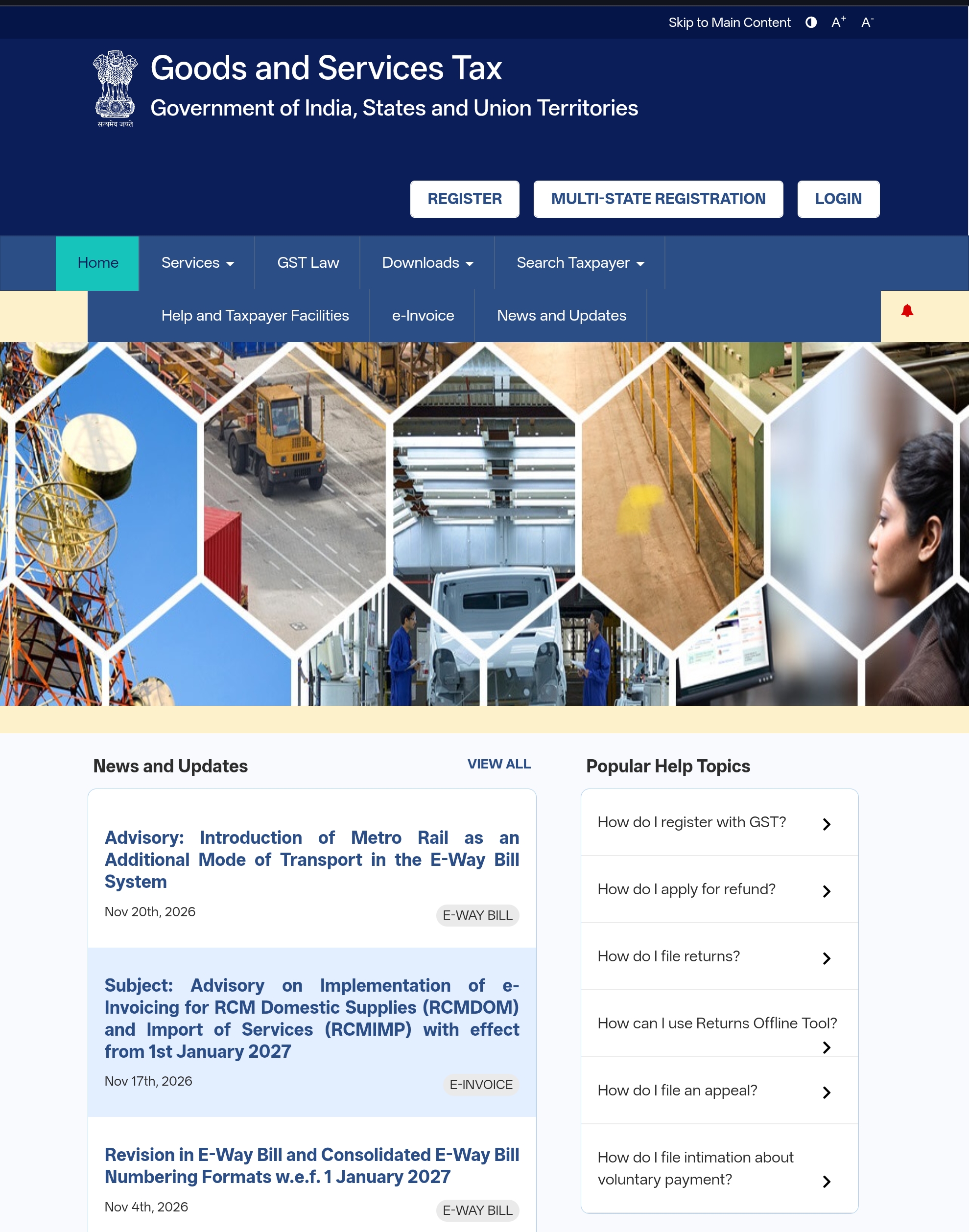
GST Portal Reference, News & Updates & Popular Help Topics
News and Updates
- Advisory: Introduction of Metro Rail as an Additional Mode of Transport in the E-Way Bill SystemNov 20, 2026 · E-Way Bill
- Subject: Advisory on Implementation of e-Invoicing for RCM Domestic Supplies (RCMDOM) and Import of Services (RCMIMP) with effect from 1st January 2027Nov 17, 2026 · e-Invoice
- Revision in E-Way Bill and Consolidated E-Way Bill Numbering Formats w.e.f. 1 January 2027Nov 4, 2026 · E-Way Bill